A servo amplifier contains more than motor power electronics. Axis number, motor code, encoder interface, network settings, electronic gearing, limits, homing, gains and machine-specific I/O can determine how the mechanism moves. Installing factory defaults can create an unexpected direction, scale or response.
Back up the complete axis configuration before removal whenever communication is still possible. Motion work requires qualified personnel, secured mechanisms and the exact controller, drive and motor manuals. This guide does not supply universal tuning values.
Decision matrix
| Replacement item | Evidence | Acceptance |
|---|---|---|
| Hardware match | Drive, motor, encoder, voltage, capacity and options | Approved combination for the axis |
| Data backup | Parameters, alarms, firmware and controller project | Recover the known machine state |
| Axis identity | Network node, station, addressing and I/O map | Controller communicates with the intended axis |
| Mechanical reference | Direction, home, limits, coupling and load support | Motion remains aligned and safe |
| Trial | No-load/low-risk jog, home and synchronized cycles | Proves direction, scale and stability |
Capture the failed-axis evidence
Save alarm history, display codes, controller diagnostics and the machine sequence when the fault appears. Record drive, motor, encoder and option labels plus firmware or software versions. Inspect cooling, connectors, braking components, supply and grounding so an external cause is not transferred to the new drive.
Measure input and DC-bus related conditions only by the manufacturer procedure. Servo equipment can retain hazardous voltage after isolation. Wait for the specified discharge indication and verify before touching terminals.
Create and verify the parameter backup
Use the approved engineering software to read and save all accessible parameter groups, I/O assignments, point tables and communication settings. Export or photograph values in a reviewable format, not only a proprietary backup. Also save the PLC/motion-controller project that may write parameters to the drive.
Mitsubishi documentation warns that controller writes and axis-number selection can affect which amplifier receives values. Compare the backup with a second read or controlled record. Do not initialize the old or new drive until recovery data and factory-specific values are understood.
Approve hardware and software compatibility
Match supply, drive family, rated capacity, motor/encoder combination, network interface, braking arrangement, safety inputs, connector pinout and approved firmware relationship. A newer unit may need a conversion cable or controller revision even when the power rating appears equivalent.
Confirm whether parameters reside in the drive, controller or both, and which source wins at startup. Record any automatic motor identification or tuning requirement from the exact manual. Treat a substitute as an engineered change.
Restore wiring, identity and mechanical reference
Label power, motor, encoder, network, I/O, brake and earth connections. Inspect pins and shielding before transfer. Set the correct node or station identity while isolated, then restore the verified parameter set to the intended axis only.
Secure gravity or spring-loaded mechanisms before brake release. Confirm motor direction, electronic scale, travel limits, home sensor relationship and coupling condition. Never test full-speed automatic motion before these references pass.
Commission through controlled motion stages
Power the drive with the load in a safe state and review alarms before enabling torque. Check I/O and safety state, then use the manufacturer-approved low-risk jog to confirm direction and scale. Perform homing and synchronization only after the single-axis evidence is correct.
Increase speed and load gradually while monitoring position error, current, vibration and product timing. Compare with the saved baseline rather than retuning by feel. Send HANNAI the drive/motor codes, backup, alarm record, controller version and axis mechanism for review.
Technical references
- Mitsubishi MR-JE servo amplifier manual — general component guidance; the installed machine documentation remains controlling.
Related machine and guide
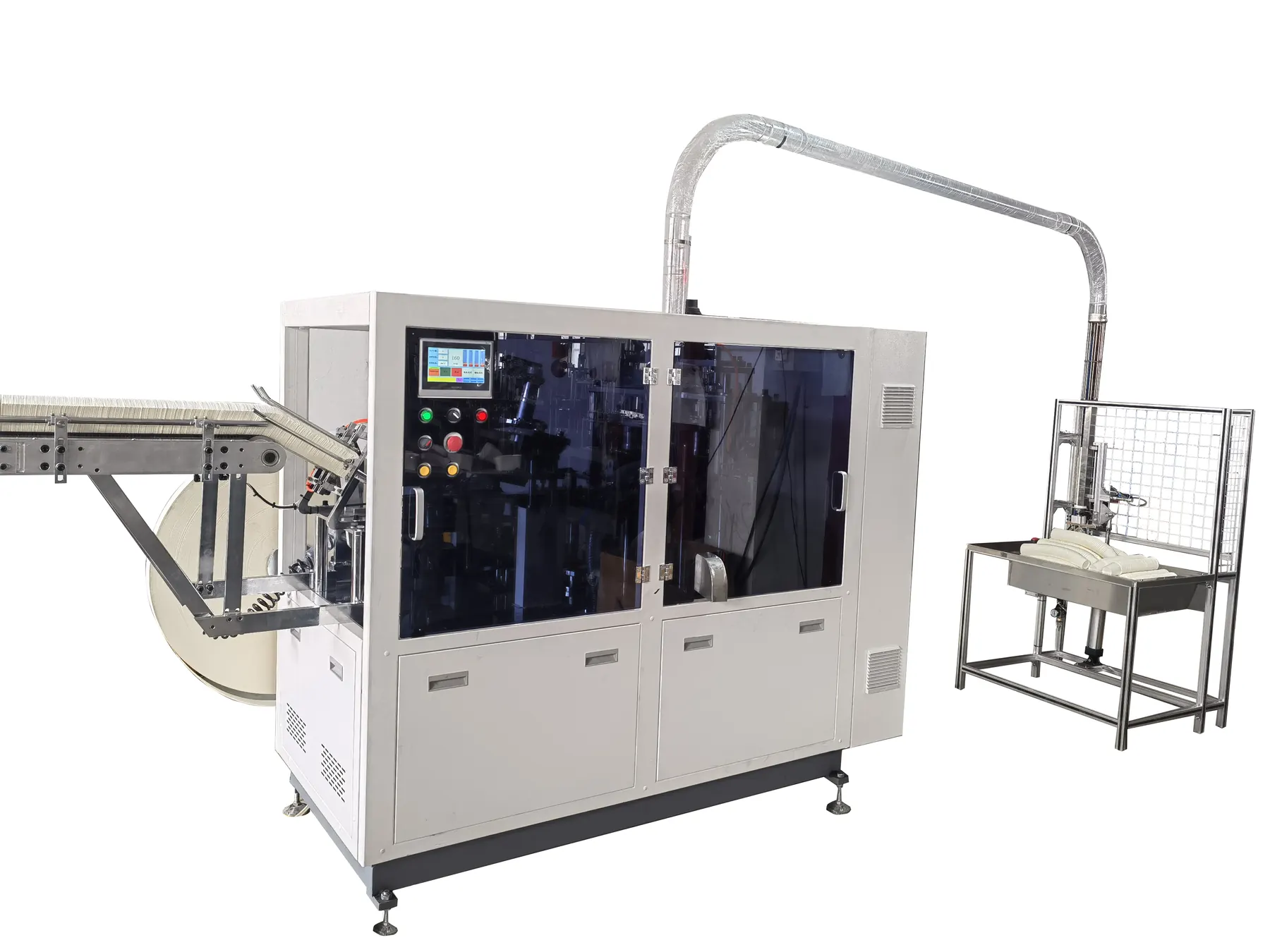
Review the HN-SF160 high-speed paper cup machine for machine context, then use the servo synchronization troubleshooting guide for the adjacent check. Browse all Buyer Guides when building a wider project checklist.
Frequently asked questions
Can a new servo drive run with factory defaults?
Not safely unless the complete machine axis configuration explicitly requires those defaults.
Is matching power rating enough?
No. Motor, encoder, network, safety, connectors, firmware and parameters must match.
Why save the controller project too?
The controller may store or automatically write drive parameters at startup.
What should be tested before automatic mode?
Axis identity, safety state, direction, scale, limits, home reference and controlled jog.
Review your machine configuration with HANNAI
Send the machine model, project reference, component labels, drawings, photos and a description of the required result. We will clarify which details must be confirmed before a quotation or technical recommendation.